Please Review Registration Instructions
Video Tutorials – League Management System (Please watch the tutorials in this order) Register Player – After organization and then coach is registered (Remember: Players use their phone numbers…
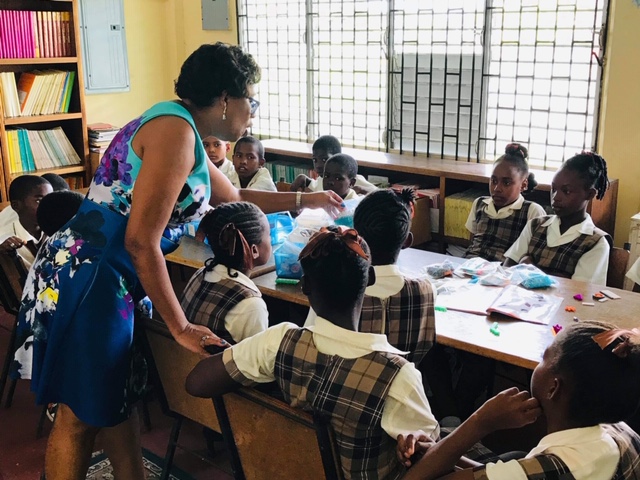
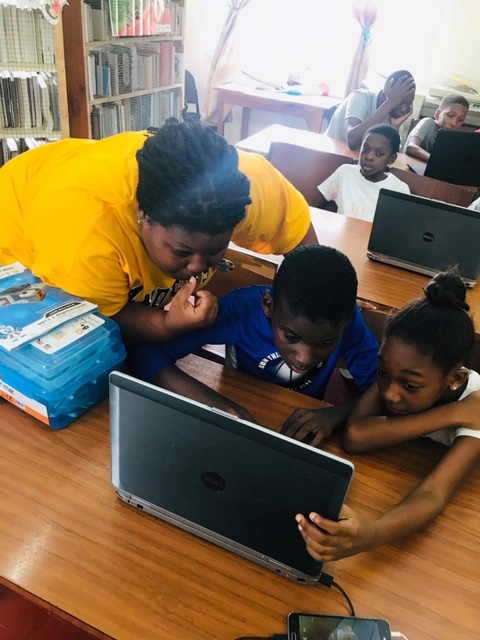
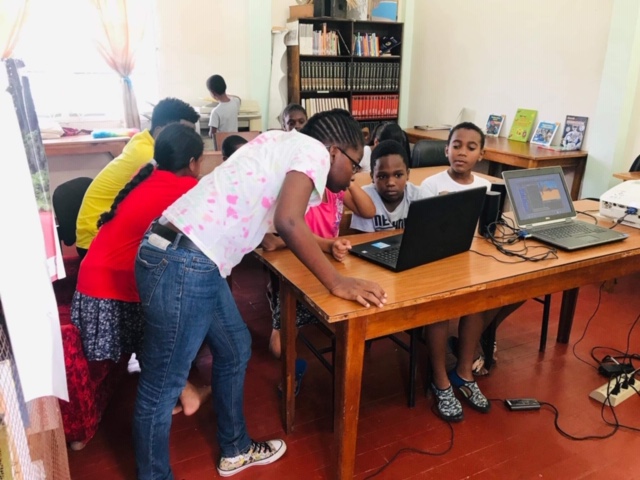
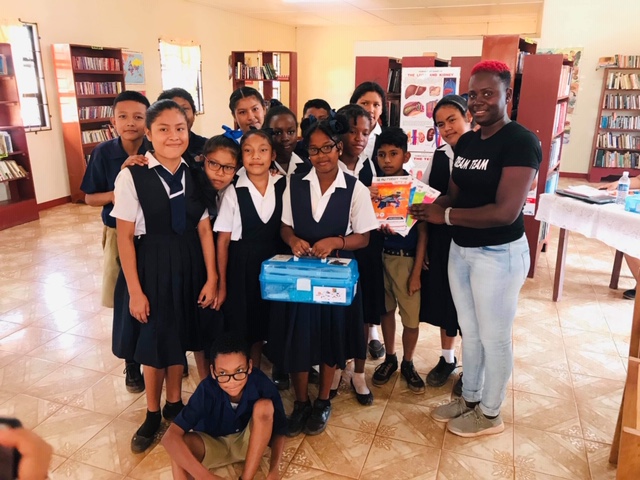
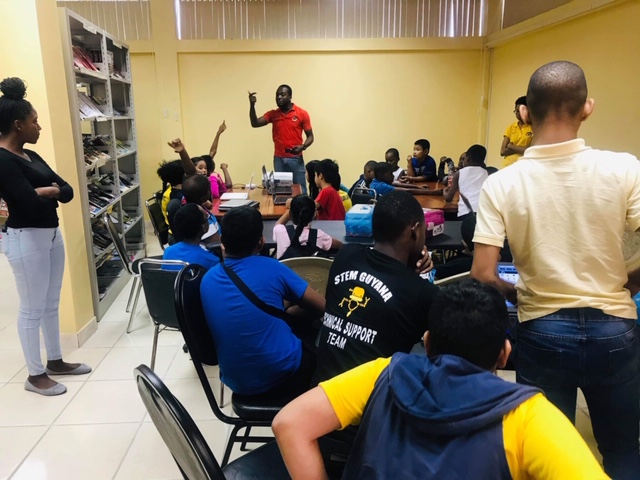
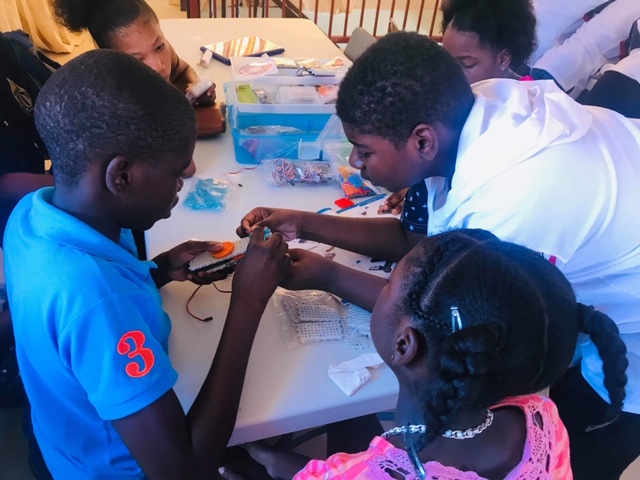
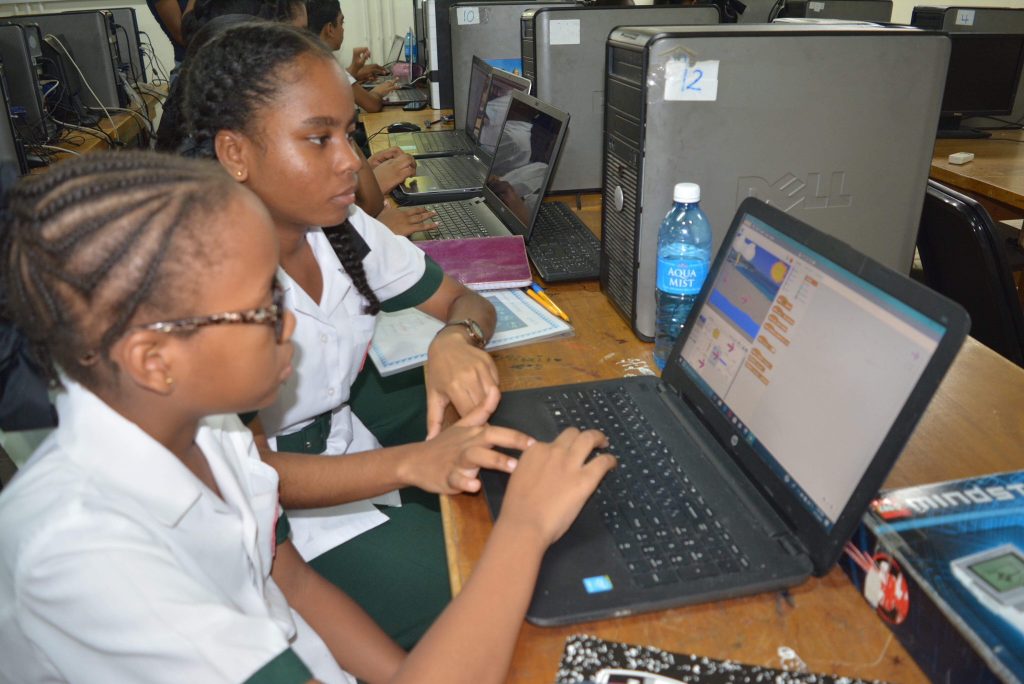
STEMGuyana gives young people across Guyana opportunities to learn, build, program, compete and solve problems through hands-on STEM experiences.
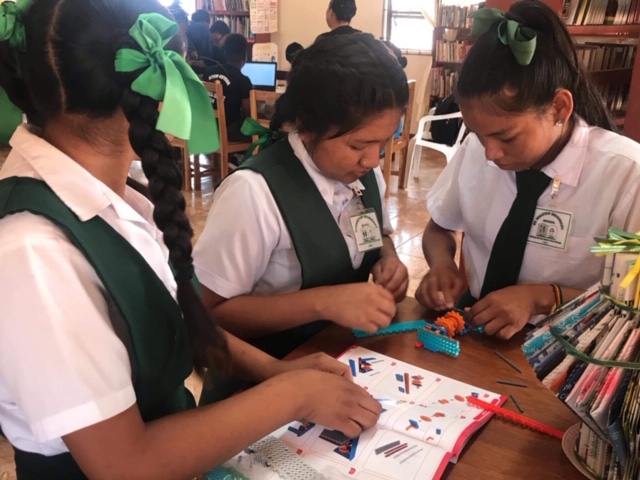
Young people learn by doing, testing, collaborating and improving. Robotics turns mathematics, coding and science into practical problem-solving.
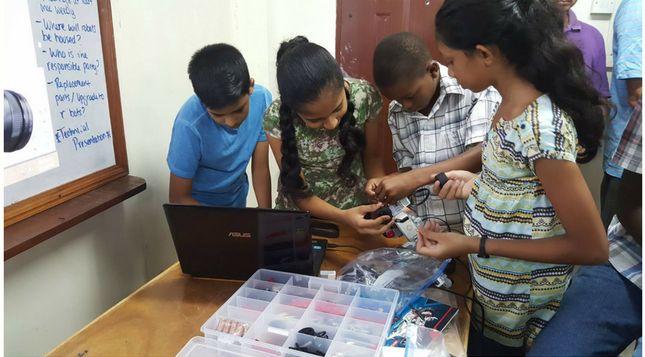
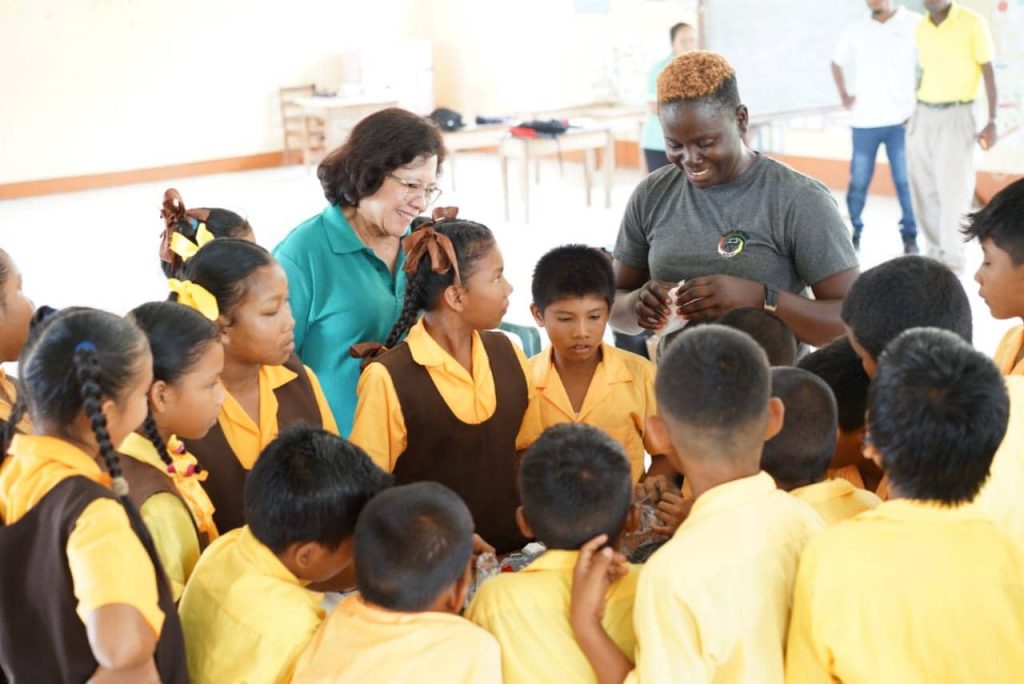
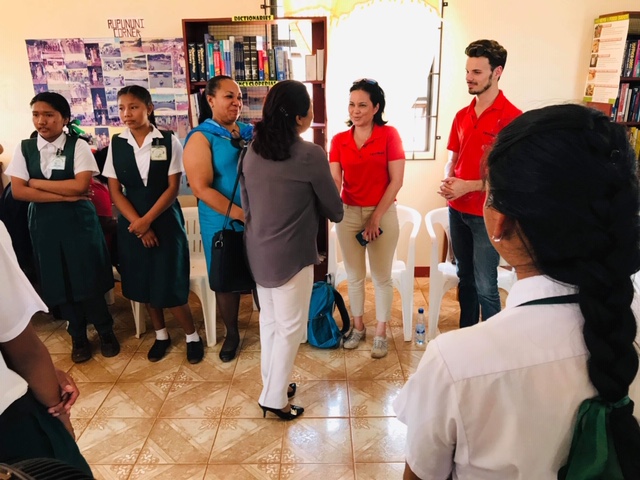
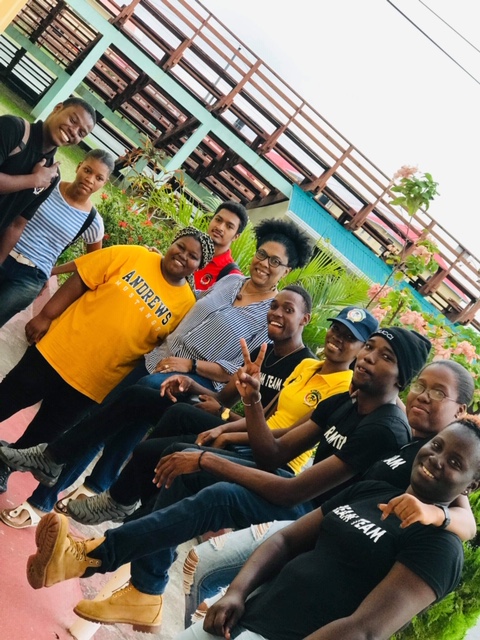
STEMGuyana works with public and private organizations to bring clubs, learning opportunities and competition experiences to communities across the country.
Bring STEM to your communityEdit the gallery on the WordPress page “Where children prepare for the future…” to change these images.

Video Tutorials – League Management System (Please watch the tutorials in this order) Register Player – After organization and then coach is registered (Remember: Players use their phone numbers…
Pig Acrobat Race car